
At a Glance
| Feature | Details |
|---|---|
| What a custom mob is | A new creature added through a behavior pack, with its own model, AI, and drops |
| How they are made | A resource pack (model, texture, animations) plus a behavior pack (health, attacks, AI, loot) |
| Tools needed | Blockbench for the model, a text editor for the behavior JSON files |
| Easiest shortcut | Buy a Marketplace Add-On or World that already includes custom mobs |
| Platforms | All Minecraft Bedrock devices (mobile, Windows, Xbox, PlayStation, Switch) |
Yes! Custom mobs are entirely new creatures added to Minecraft Bedrock Edition through behavior packs and resource packs. A custom mob has its own 3D model, texture, animations, and set of behaviors (how it moves, what it attacks, what it drops) that do not exist anywhere in vanilla Minecraft. Making one from scratch is a genuinely technical process, but you do not need to build one yourself to play with custom mobs, since Marketplace products already include them.
A vanilla mob, like a zombie or a cow, is defined entirely by Mojang’s code. A custom mob is a brand new entity defined by a behavior pack, which adds new creatures with their own AI, attacks, and drops on top of the base game. Our full guide on Minecraft Bedrock behavior packs covers exactly how these packs work and everything else they can change, but the short version is that behavior packs control the rules of the game, and resource packs control how things look.
Building a custom mob from scratch involves two separate pieces working together.
This includes the mob’s 3D model, its texture, and any animations it uses (walking, attacking, idle movement). Most creators build these using Blockbench, a free, purpose-built tool for Minecraft-style low-poly models. This is the same tool used to design vanilla Minecraft’s own mobs.
This is where the mob comes to life. A JSON file defines its health, attack damage, movement speed, AI goals (does it flee, attack, wander, follow), what it drops when it dies, and where it is allowed to spawn. This is the more technical half of the process and generally requires some familiarity with JSON structure or Molang, Minecraft’s scripting language for behavior logic.
Once both pieces are built, they get packaged together and applied to a world, exactly like any other Add-On. Building a convincing custom mob from nothing usually takes real time and some technical comfort, which is why most players get their custom mobs from the Marketplace instead of building their own.
If you already purchased an Add-On and need to reinstall or reset it, our guide on how to install Add-Ons on Minecraft Bedrock covers re-downloading content you already own from the Owned by Me section.
If designing a mob from scratch sounds like more effort than you want to put in, Dodo Studios has products that already include original custom mobs, fully modeled, animated, and ready to spawn.
Horror Monsters adds 16 entirely original horror creatures that spawn throughout your world, especially in Dark Oak Forests. Each one comes with its own model, sound effects, and jumpscare behavior, and some even change the sky and bring in fog as they approach. Defeat one and it may drop its mask or head, which you can wear yourself. Special horror weapons are included to fight back.
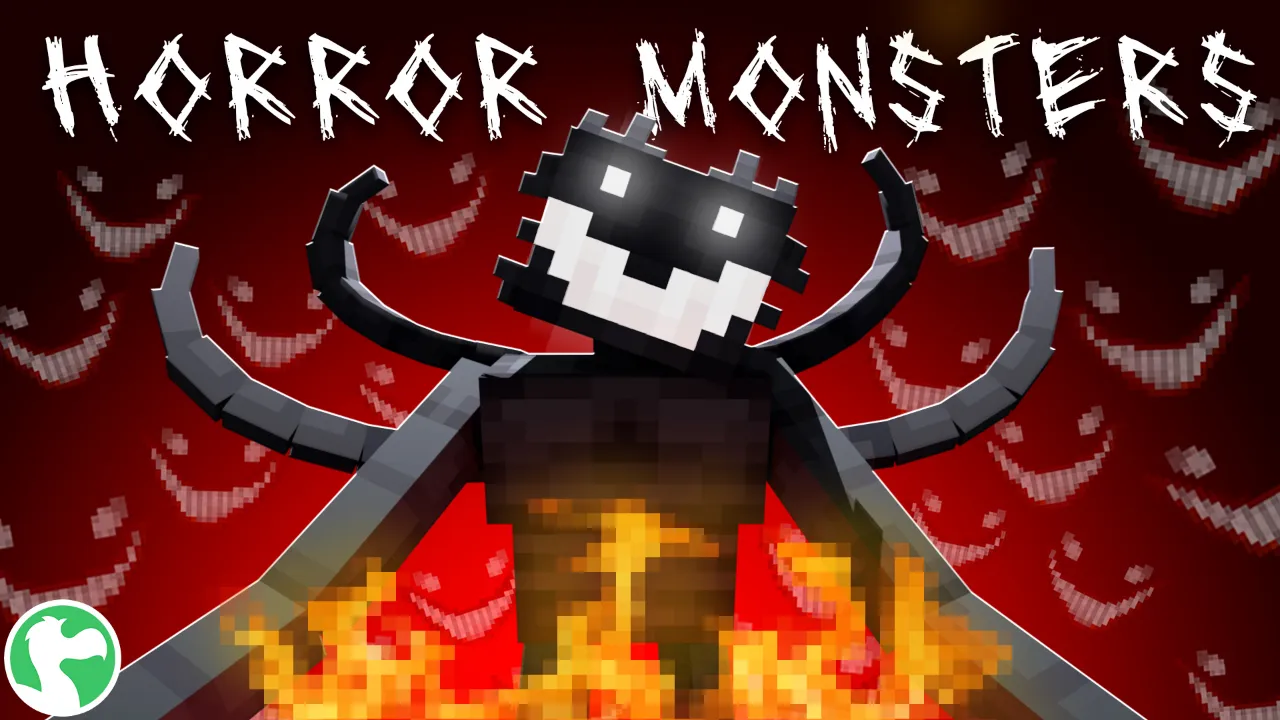
Best for: players who want genuinely new, original hostile mobs to encounter and fight.
Pets Pack adds 10 brand new tameable mobs directly into your own survival world, each spawning in a matching biome: capybaras in savannas, hamsters in deserts, hedgehogs in forests, and more. These are custom mobs in the friendlier sense, complete with their own taming items and animations, and you can wash, brush, and house them once tamed. The pack also includes 5 pet-themed skins.
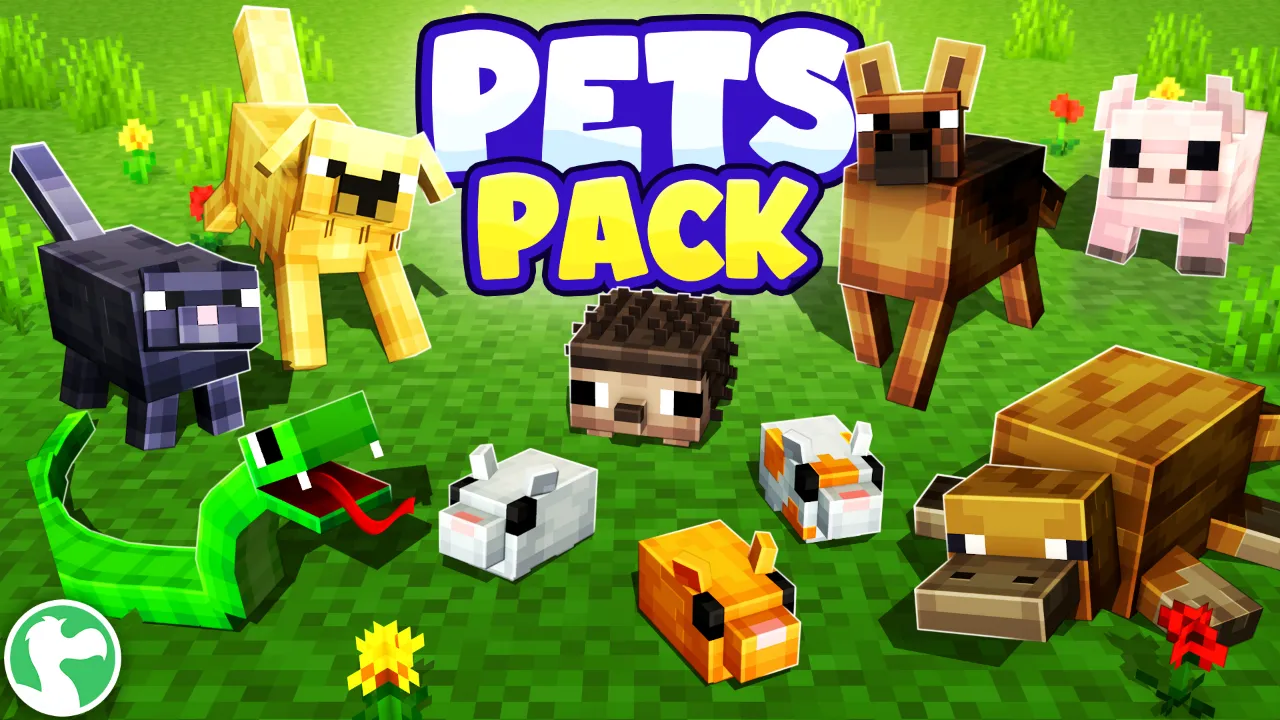
Best for: players who want new custom mobs that are tameable companions rather than threats.
To build one entirely from scratch, yes. You will need to work with a 3D modeling tool like Blockbench and understand JSON (and sometimes Molang) to define the mob’s behavior. Buying a pre-made Add-On skips this entirely.
Yes. Both add original creatures with their own models, animations, and behavior that do not exist in vanilla Minecraft, which is exactly what defines a custom mob.
Usually, yes. Multiple behavior packs can be stacked on the same world, though two packs that try to change the exact same thing can occasionally conflict. Check each pack’s description for compatibility notes if you are combining several.
Both are created by Dodo Studios, an official Minecraft Marketplace partner with over 400 products and an average rating of 4.6 out of 5 from 488,000+ reviews. You can browse more Add-Ons and worlds on the Dodo Studios website.
Making a custom mob from scratch takes real modeling and coding skill, but playing with one does not have to. Whether you build your own or grab a Marketplace pack, custom mobs are one of the easiest ways to make a Minecraft Bedrock world feel completely different.