At a Glance
| Feature | Details |
|---|---|
| What a Realm is | A private, always-online Minecraft server hosted by Mojang |
| Bedrock Realm tiers | Realms (2 players, you + 2) and Realms Plus (10 players, you + 10, includes 150+ Marketplace items) |
| Who pays | Only the Realm owner pays the subscription; invited players join for free |
| Cross-platform | Yes, players on mobile, Windows, Xbox, PlayStation, and Nintendo Switch can all join the same Realm |
| Marketplace worlds on Realms | Yes, the owner can upload a Marketplace world to their Realm |
A Minecraft Realm is a private, always-online server hosted by Mojang. Unlike a regular multiplayer world that only runs when the host is playing, a Realm stays online 24/7, so your friends can join and play even when you are not there. It is the easiest way to keep a persistent shared world running on Bedrock Edition without dealing with third-party server hosting.
Bedrock Edition offers two Realm tiers. The basic Realms tier supports you plus 2 other players. Realms Plus supports you plus 10 other players and includes a rotating library of 150+ free Marketplace items (worlds, skin packs, and more) as part of the subscription. Both tiers are paid monthly by the Realm owner, and everyone they invite plays for free.
Before uploading a world you have invested a lot of time in, it is worth making a backup first. Our guide on how to make backups of your Minecraft Bedrock world covers both duplicating within the game and exporting a .mcworld file.
Once you have joined a Realm, it stays in your world list. You can connect anytime it is active without needing a new invite.
Yes. The Realm owner can replace the Realm’s world with any Marketplace world they own. This means you can run a Skyblock challenge, a Bed Wars tournament, or a roleplay city as a persistent, always-online server for your group. Invited players do not need to own the world themselves. For the full details on how multiplayer works with purchased Marketplace content, check out our guide on multiplayer in Minecraft Marketplace worlds.
Here are three Dodo Studios worlds that work especially well as a persistent Realm experience.
Classic Skyblock is the classic survival challenge where you start on a tiny island and expand outward with limited resources. Running it on a Realm means friends can log in and keep building the island whenever they have time, even when you are offline. At 310 Minecoins, it is the most affordable option here.

Best for: groups who want a shared island everyone keeps building on, at the lowest price.
Bed Wars with 4 custom maps, special weapons (lightning, fire storms, magic powers), and support for 2 to 10 players is built for repeated matches. Hosting it on a Realm means your group always has a Bed Wars server ready to go without anyone needing to host manually.
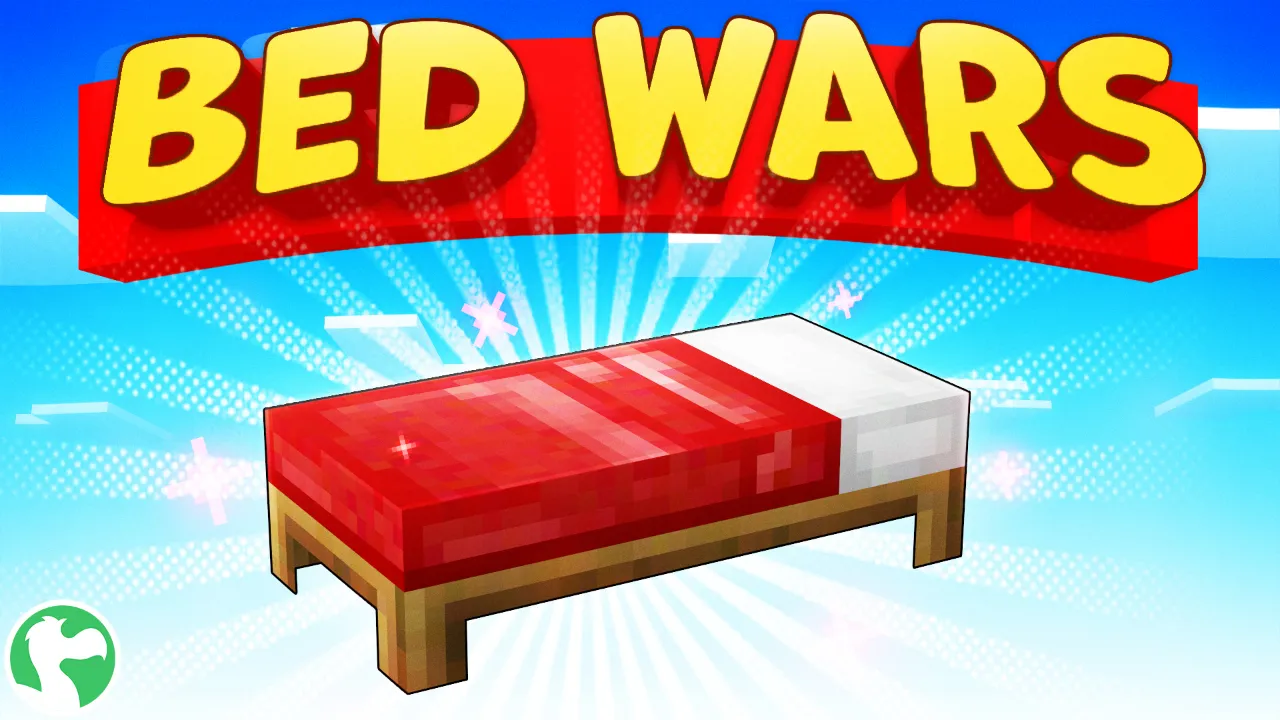
Best for: friend groups who want a PvP server ready whenever they log in.
City Roleplay is a giant custom city with 500+ furniture and vehicle model variations, sports like basketball and racing, and locations like a school, a car dealer, and an airport. On a Realm, the city is always online, so friends can drop in and roleplay whenever they want. It is the most content-rich option here at 830 Minecoins.

Best for: groups who want an always-online city to roleplay in.
No. Only the Realm owner pays the monthly subscription. Everyone they invite plays for free.
Yes. Minecraft Bedrock Realms support full cross-platform play. Players on mobile, Windows, Xbox, PlayStation, and Nintendo Switch can all connect to the same Realm.
Yes, as long as the subscription is active. The Realm stays online 24/7, so invited players can join and play at any time, even when the owner is not playing.
Your Realm goes offline, but your world is not deleted immediately. Mojang keeps it stored for a period after cancellation, and you can reactivate it and pick up where you left off. However, it is still a good idea to download a backup before cancelling.
Yes. The Realm owner can replace the active world at any time from the Realm settings. You can swap between a survival world, a Marketplace map, and other saves as often as you like.