
At a Glance
| Feature | Details |
|---|---|
| Core building tips | Mix materials, add depth, vary rooflines, use stairs and slabs for detail |
| Fastest way to great builds | Craft ready-made structures instead of building everything by hand |
| Marketplace shortcuts | Craftable Builds Add-On, Craftable Structures, Craftable Mansions, and Craftable Homes by Dodo Studios |
| Price | 660 Minecoins each |
| Platforms | All Minecraft Bedrock devices (mobile, Windows, Xbox, PlayStation, Switch) |
Better Minecraft builds come down to a handful of repeatable techniques: mixing materials instead of using one block type, adding depth so walls are not completely flat, varying your rooflines, and using stairs, slabs, and trapdoors for detail work. None of these require redstone knowledge or advanced skill, just a bit of planning before you start placing blocks.
If you would rather skip the technique entirely, Marketplace products that let you craft entire finished structures are also a legitimate shortcut, and we cover those further down.
A build made entirely of one block, like plain cobblestone or oak planks, reads as flat and unfinished no matter how big it is. Mix in a secondary and accent block, such as stone bricks with cobblestone trim, or oak planks with dark oak beams, to add visual texture.
Completely flat walls are the single biggest giveaway of a beginner build. Push sections of wall in or out by half a block, add window frames that stick out slightly, or include small buttresses and pillars to break up the surface.
A single flat or single-pitched roof across an entire build looks repetitive. Combine gabled sections, small dormers, and different roof heights across a build to make it feel more architecturally real.
These three blocks do more decorative work than almost anything else in the game. Stairs make great roof edges and furniture shapes, slabs work as thin trim or flooring accents, and trapdoors mounted sideways fake shutters, cabinets, and paneling.
Three to five main colors or block types is usually enough for an entire build. Too many colors at once makes a build feel chaotic rather than intentional, even if each individual block choice looks fine on its own.
Big walls and floors benefit from windows, banners, vertical pillars, or a change in block pattern partway through. The goal is to stop the eye from reading the surface as one uninterrupted block.
Scaffolding blocks let you outline the shape and height of a build without placing permanent blocks. Building a rough scaffold frame first makes it much easier to catch proportion problems before you have invested hours into the real materials.
Building tips help, but they still take practice to apply well. If you want finished, professionally designed structures without the learning curve, Dodo Studios has several products that let you craft entire buildings directly inside your own survival world. These work like any other craftable item: gather the listed materials, craft the structure at a crafting table, and place it wherever you want. For more Add-Ons in this style, take a look at our guide on the best Add-Ons for Minecraft Bedrock.
The Craftable Builds Add-On is the only true Add-On in this group, meaning it applies directly to your own existing survival world. It gives you access to over 220 premade structures, including houses, mansions, swimming pools, sports fields, and roller coasters, all designed by experienced builders from the Minecraft community. A preview shows exactly where a build will land before you place it, and an Undo Build item lets you reposition up to five builds afterwards.
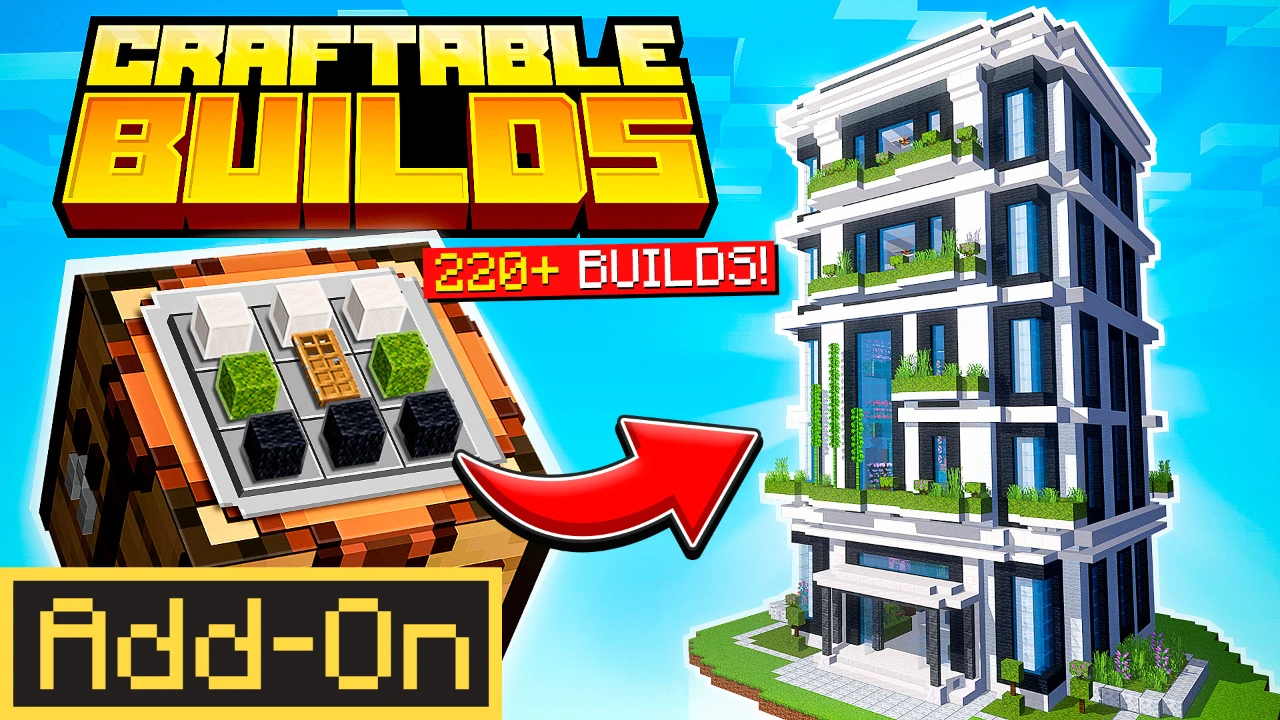
Best for: Players who want the widest general variety of structures without starting a new world.
The Craftable Structures world focuses on 40+ structures with a more adventurous, exploration-driven theme: strongholds, mob spawners, mineshafts, villager houses, temples, and treehouses. Every custom structure comes fully decorated, and the pack also includes 370+ furniture variations. You can craft both vanilla-style Minecraft structures and brand-new custom designs, all from a crafting table.
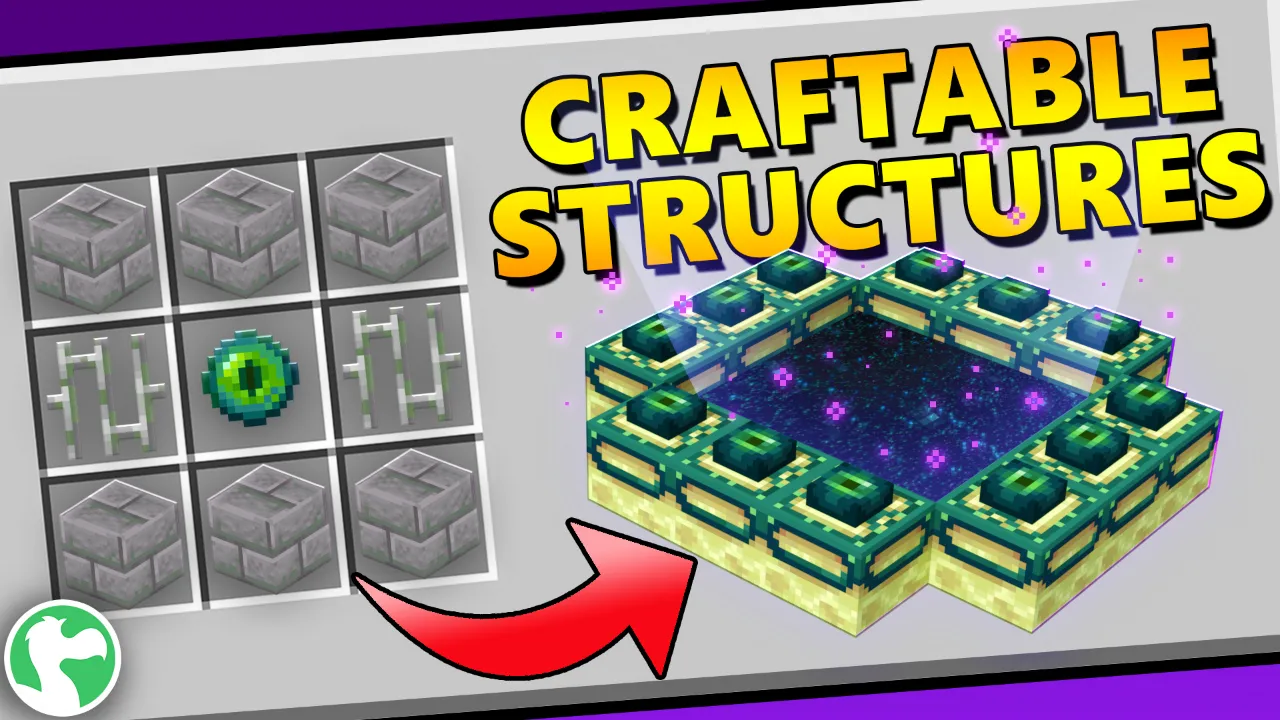
Best for: Players who want dungeon and exploration-style structures rather than just houses.
If your goal is specifically luxury builds, Craftable Mansions lets you craft and place 20 unique, fully furnished mansion designs, complete with custom furniture and vehicle models. A crafting screen at spawn shows every recipe, and a preview outline appears before you place a build so you always know exactly where it will go. If you would rather explore a mansion that is already finished instead of crafting your own, our guide to the Minecraft mansion builds we recommend covers pre-built options too.
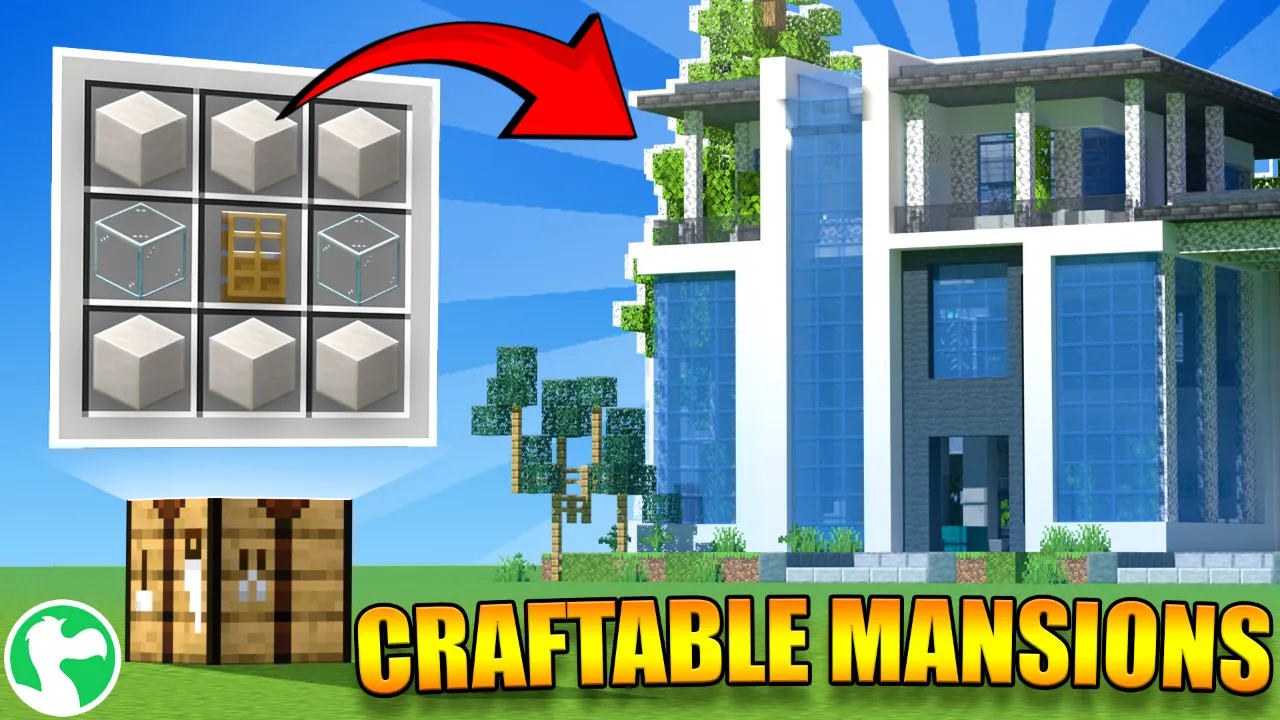
Best for: Players who specifically want mansion-scale builds, with the flexibility to place more than one.
For themed variety rather than scale, Craftable Homes gives you 29 unique home designs to craft and place, including a Viking house, a medieval mansion, an Enderman house, a Creeper home, and more. It is a good way to give every biome or settlement in your world its own distinct character without building each one from scratch.
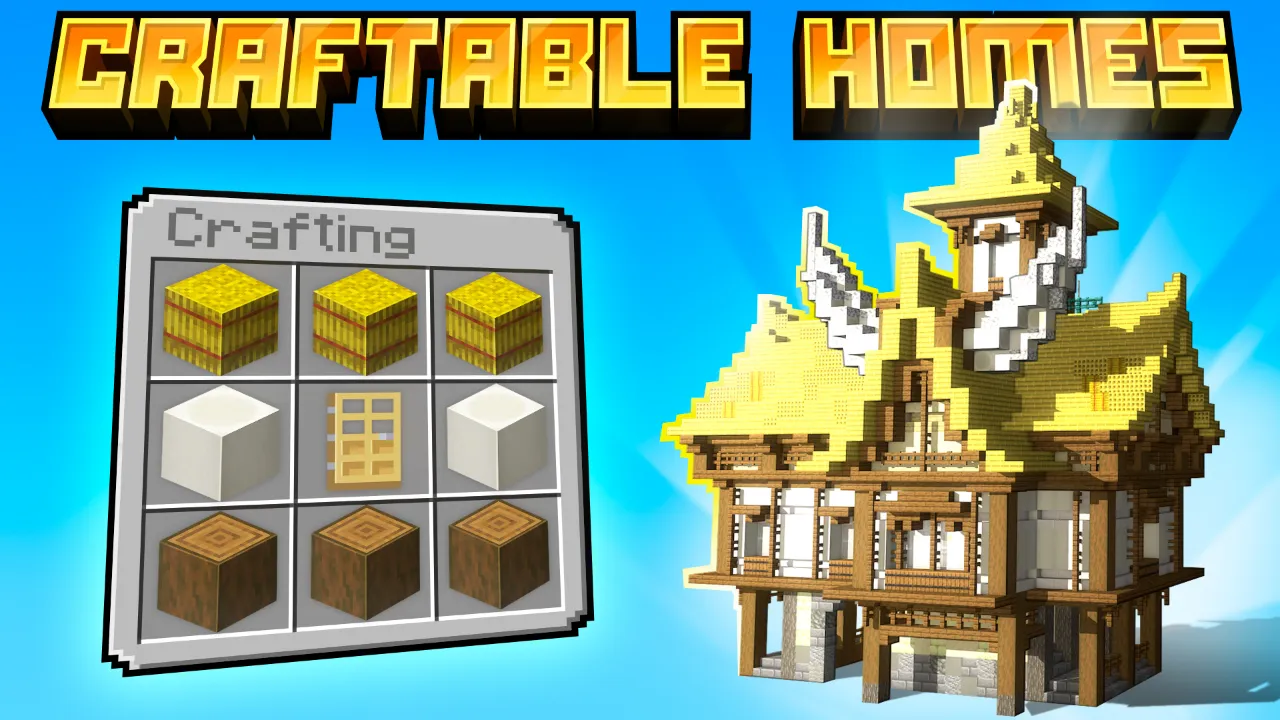
Best for: Players who want a different themed house for every part of their world.
If you want the broadest general variety and the flexibility of an Add-On that works in your current world, Craftable Builds Add-On is the pick. If you want dungeon and exploration-style structures like strongholds and mineshafts, go with Craftable Structures. If your focus is specifically mansions, Craftable Mansions delivers 20 luxury designs. And if you want a different themed home for every corner of your world, Craftable Homes gives you 29 to choose from.
No. Every structure comes fully designed. You just gather the listed materials, craft the structure, and place it. No building skill is required.
The Craftable Builds Add-On does, since it is the only true Add-On and applies directly to your existing world. Craftable Structures, Craftable Mansions, and Craftable Homes are standalone worlds, so they come with their own map.
Yes. Nothing stops you from applying the same building tips (mixing materials, adding depth, varying rooflines) around or on top of a crafted structure to make it feel even more personal.
Yes. All four support multiplayer. Only the host needs to own the product, and friends can join and build together for free.
All four are created by Dodo Studios, an official Minecraft Marketplace partner with over 400 products and an average rating of 4.6 out of 5 from 488,000+ reviews. You can browse the full collection on the Dodo Studios website.
Better builds in Minecraft come from a mix of good habits and the right tools. Practice the fundamentals, or skip straight to a finished design with a craftable structure, either way works.