At a Glance
| Feature | Details |
|---|---|
| What a skin is | A 64×64 pixel texture wrapped around your character’s 3D model |
| Tools you need | A skin editor (web, mobile app, or the official Minecraft site) and a PNG template |
| How to apply it | Import the PNG as a Custom Skin from your profile or the Dressing Room (Windows, Android, iOS/iPad only) |
| Cost | Free. Making and importing a custom skin does not use Minecoins |
| Alternative | Buy a ready-made Skin Pack from the Minecraft Marketplace |
Yes! Every Minecraft character is wrapped in a 64×64 pixel texture, and you can design that texture yourself using a free skin editor. Once you have your design as a PNG file, you import it into Minecraft Bedrock Edition as a Custom Skin and it applies instantly. No Minecoins, no Marketplace purchase, just your own creativity turned into a playable character.
Making a custom skin is different from buying a Skin Pack or using Character Creator Items, which are two other ways to change how your character looks on Bedrock Edition. If you want to understand exactly how those two compare, check out our guide on the difference between Skin Packs and Character Creator Items.
A Minecraft skin is a flat PNG image, 64 pixels wide and 64 pixels tall, that gets wrapped around your character’s body like a paper cutout around a box. The template is split into sections for the head, body, arms, and legs. Most modern skins also include a second, slightly larger “overlay” layer for each body part, which lets you add hats, sleeves, jackets, and other details that sit on top of the base skin without replacing it.
You do not need to draw pixel by pixel from scratch. Every skin editor starts you off with a blank humanoid template already mapped out, so you just fill in the colors and details.
Playing on Xbox, PlayStation, or Nintendo Switch? Console versions of Minecraft Bedrock do not include a file browser, so there is no way to import your own PNG skin directly. Console players are limited to Marketplace Skin Packs, Character Creator items, and any skins already tied to their Microsoft account. If you design a custom skin on Windows or mobile, it will not carry over to your console.
Designing a good skin from scratch takes time, especially if you want something polished and detailed. If you would rather skip the pixel art and get a professionally designed look in seconds, Dodo Studios sells Skin Packs on the Minecraft Marketplace across almost every style imaginable. Skin Packs work differently from custom skins: instead of importing a PNG, you purchase the pack once with Minecoins and every skin inside it appears in your library. Our complete guide to Minecraft Bedrock skin packs covers exactly how buying, owning, and switching between packs works.
Here are four Dodo Studios skin packs that show the range of styles available, from cute to colorful to spooky. All four cost 310 Minecoins, use the standard 64×64 resolution, and are available on the Minecraft Marketplace. Dodo Studios also carries HD skin packs elsewhere on the Marketplace if you want extra detail. HD skins only work on Bedrock Edition, not Java Edition, so keep that in mind if you play both.
Neko is a collection of 12 kawaii cat skins blending Japanese aesthetics with Minecraft style. If a cute, anime-inspired look is what you are after, this pack saves you the trouble of hand-drawing detailed cat ears and whiskers yourself.
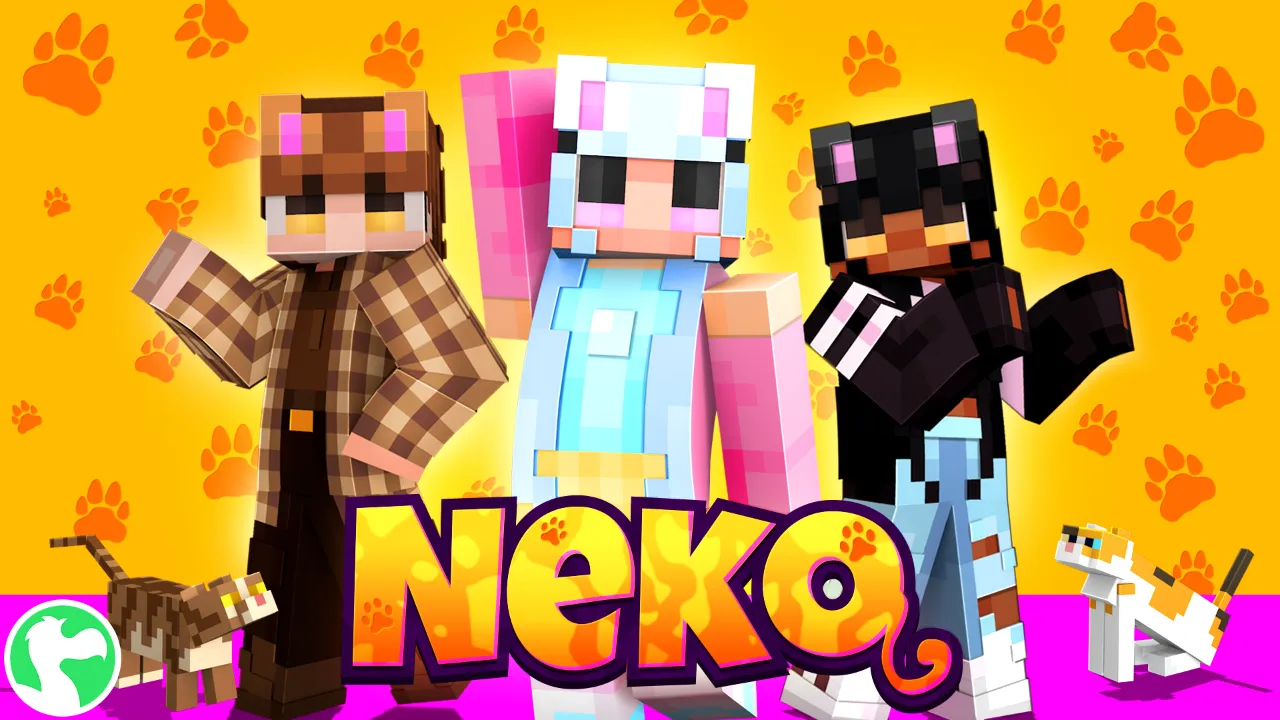
Best for: Players who want a cute, anime-inspired character without drawing it themselves.
Rainbow Skins gives you 10 vibrant, rainbow-themed characters ready to wear, for a bold and colorful look without spending hours color-matching pixels. It is one of the packs featured in our guide to the most colorful Minecraft skins if you want to see how it compares to other bright options.
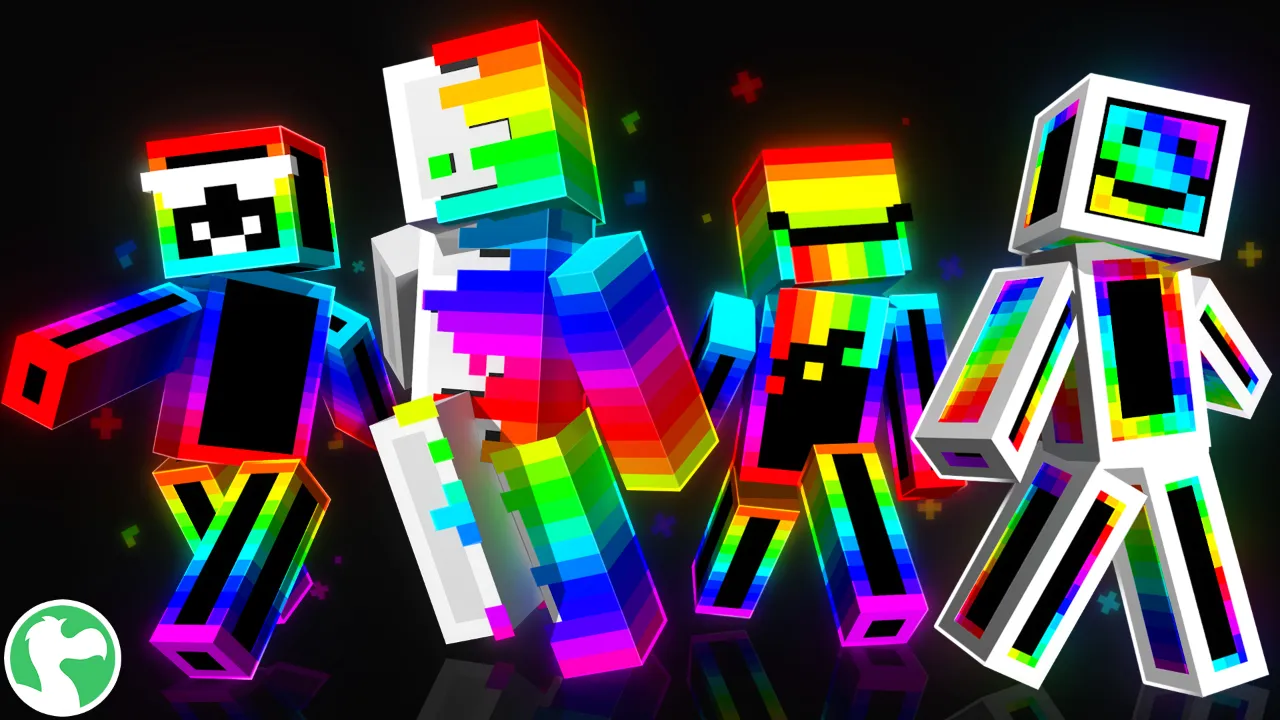
Best for: Players who want maximum color with zero design effort.
Chroma Teens delivers vibrant, trendy designs for players who want their color choices to feel deliberate rather than random. If you like the idea of a colorful custom skin but want something more stylish than a plain rainbow palette, this is the pick. It is also part of our colorful skins roundup for anyone comparing bright skin packs side by side.
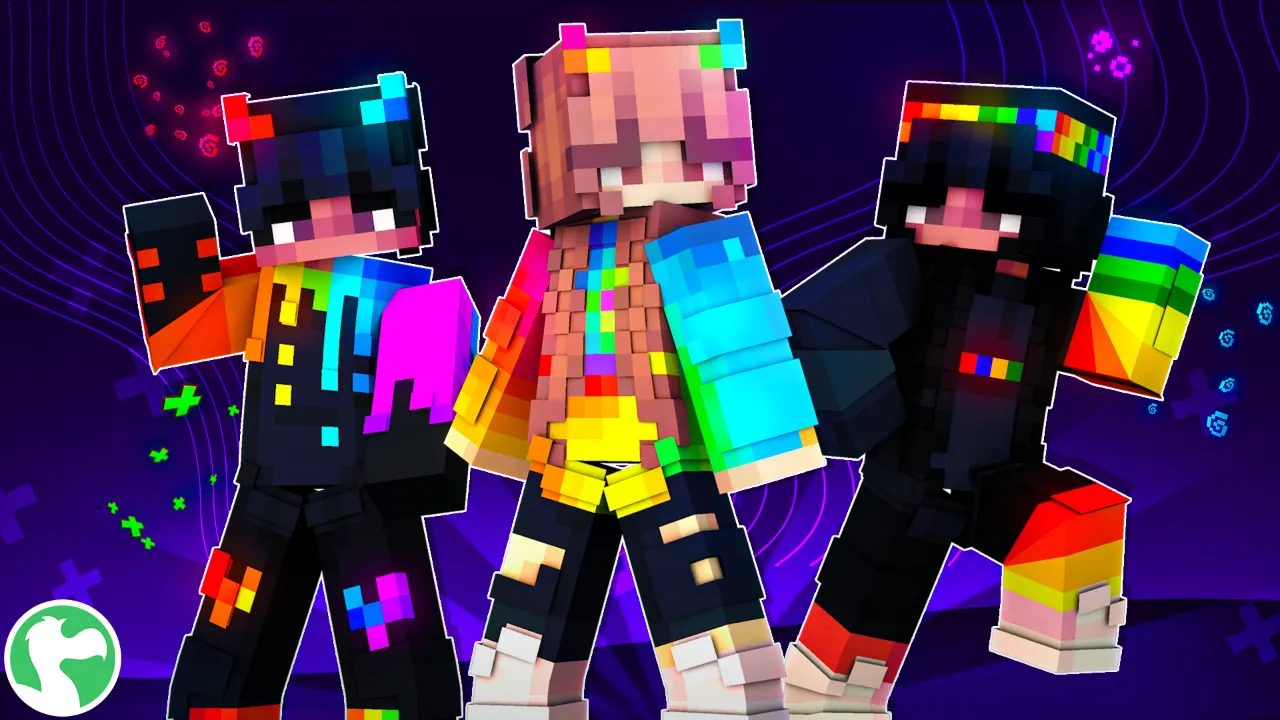
Best for: Players who want colorful but styled, not random.
Not every custom skin idea is cute or colorful. Horror Teens captures moody, movie-inspired horror aesthetics that would take real skill to pull off from scratch in a skin editor. Perfect for roleplaying or for scaring your friends on a server.
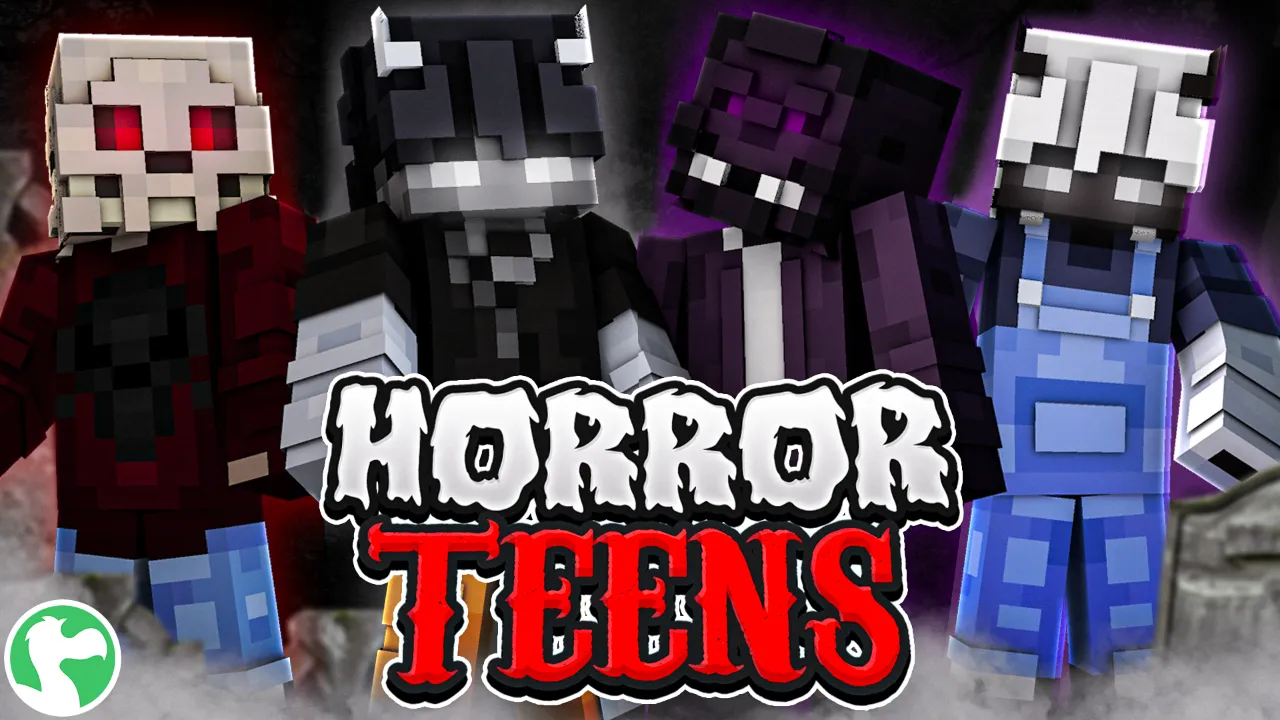
Best for: Players who want a dark, cinematic look with real detail.