
At a Glance
| Feature | Details |
|---|---|
| What you need | A free Microsoft account and an Xbox Gamertag for each player |
| Where to add friends | Through the Xbox app, the in-game Friends tab, or the Microsoft/Xbox website |
| Cross-platform | Yes, Bedrock Edition players on mobile, Windows, Xbox, PlayStation, and Switch can all play together |
| Marketplace worlds | Most Marketplace worlds support multiplayer, and only the host needs to own the product |
| Best multiplayer maps | Bed Wars, Hunters VS Runners, and Survival Games Battle Royale |
You add a friend in Minecraft Bedrock Edition by connecting through your Microsoft account. Every Bedrock player has an Xbox Gamertag tied to their Microsoft account, and that Gamertag is how you find, add, and invite people to your world. Once someone is on your friends list, they can see when you are online, join your world if it is open, and accept direct invites.
The process works the same whether your friend is on mobile, Windows, Xbox, PlayStation, or Nintendo Switch, because Bedrock Edition supports full cross-platform play.
Both methods do the same thing. The Xbox app is usually faster because you can search and add friends without loading Minecraft first.
Alternatively, if your world is set to Friends Only or Friends of Friends, anyone on your friends list can join directly from the Friends tab without needing an invite.
Yes. Most Minecraft Marketplace worlds are multiplayer friendly, and only the host needs to own the product. Friends join and play for free. Our guide on multiplayer in Minecraft Marketplace worlds covers the full details, including how to reset worlds and what happens when you switch hosts.
Now that your friend is added and you know how to invite them, here are three multiplayer maps by Dodo Studios that are specifically designed to play together.
Bed Wars is one of the most popular competitive minigames in Minecraft. Protect your bed, destroy the enemy team’s bed, and be the last team standing. This version includes 4 custom maps and special weapons like lightning and fire storms for extra chaos. Supports 2 to 10 players with fully flexible team setups.
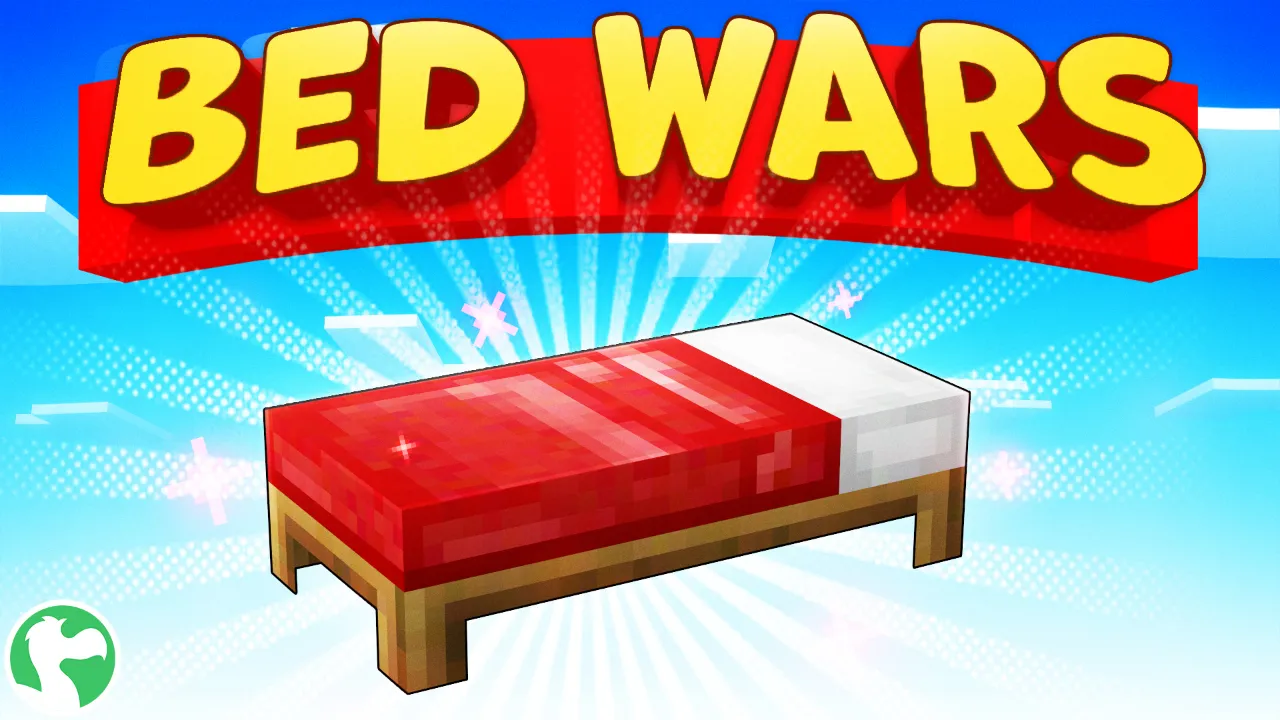
Best for: groups who want competitive team battles, from a 1v1 to a 10-player brawl.
Hunters VS Runners splits players into two roles: runners try to collect all the diamonds from safes scattered across a custom city, while hunters chase them down. You can play with multiple runners and hunters at once. Safes trigger alarms when broken into, so the pressure is constant. Speed-ups help runners escape, and a built-in tutorial explains the rules. Perfect for groups who want fast-paced, asymmetric gameplay.

Best for: friends who like chase gameplay where every round feels different.
Survival Games Battle Royale brings the classic Survival Games format to Bedrock. Loot chests, find 6 custom power-ups, and fight until one player is left. A deathmatch timer, which you can set before the match, forces remaining players together, and the map resets automatically after each match so you can jump straight into the next round. Requires 2 or more players.

Best for: PvP players who want quick free-for-all rounds without resetting the map by hand.
Make sure you are searching for their Xbox Gamertag, not their Minecraft display name or email address. Gamertags are case-sensitive on some platforms. Ask your friend to check their Gamertag in the Xbox app or under their Microsoft account settings.
Both players need to be signed into the same version of Minecraft (Bedrock Edition) with their Microsoft accounts. Java Edition and Bedrock Edition use separate friends lists. Also check that your friend’s online status is not set to Appear Offline in their Xbox privacy settings.
Check three things: Multiplayer Game must be toggled on in your world settings, your Xbox privacy settings must allow multiplayer (especially important for child accounts managed by a parent), and both players need a stable internet connection. If your friend is on a console, also check that their platform’s online subscription (Xbox Game Pass Core, PlayStation Plus, Nintendo Switch Online) is active, since some platforms require one for online play.
Yes. Minecraft Bedrock Edition supports full cross-platform play. A player on mobile can add and play with someone on Xbox, PlayStation, Switch, or Windows. Everyone connects through the same Microsoft/Xbox friends list.
No. Only the host needs to own the product. Friends join and play for free.
The default limit for a Bedrock world is 8 players, but some Marketplace maps support more (Bed Wars goes up to 10, for example). You can adjust the player limit in your world settings.
On Windows and mobile, no. On Xbox, you need Xbox Game Pass Core (or a higher tier) for online multiplayer. PlayStation requires PlayStation Plus, and Nintendo Switch requires Nintendo Switch Online. The base game alone is not enough for online play on those consoles.
All three are created by Dodo Studios, an official Minecraft Marketplace partner with over 400 products and an average rating of 4.6 out of 5 from 488,000+ reviews. You can browse more multiplayer maps on the Dodo Studios website.